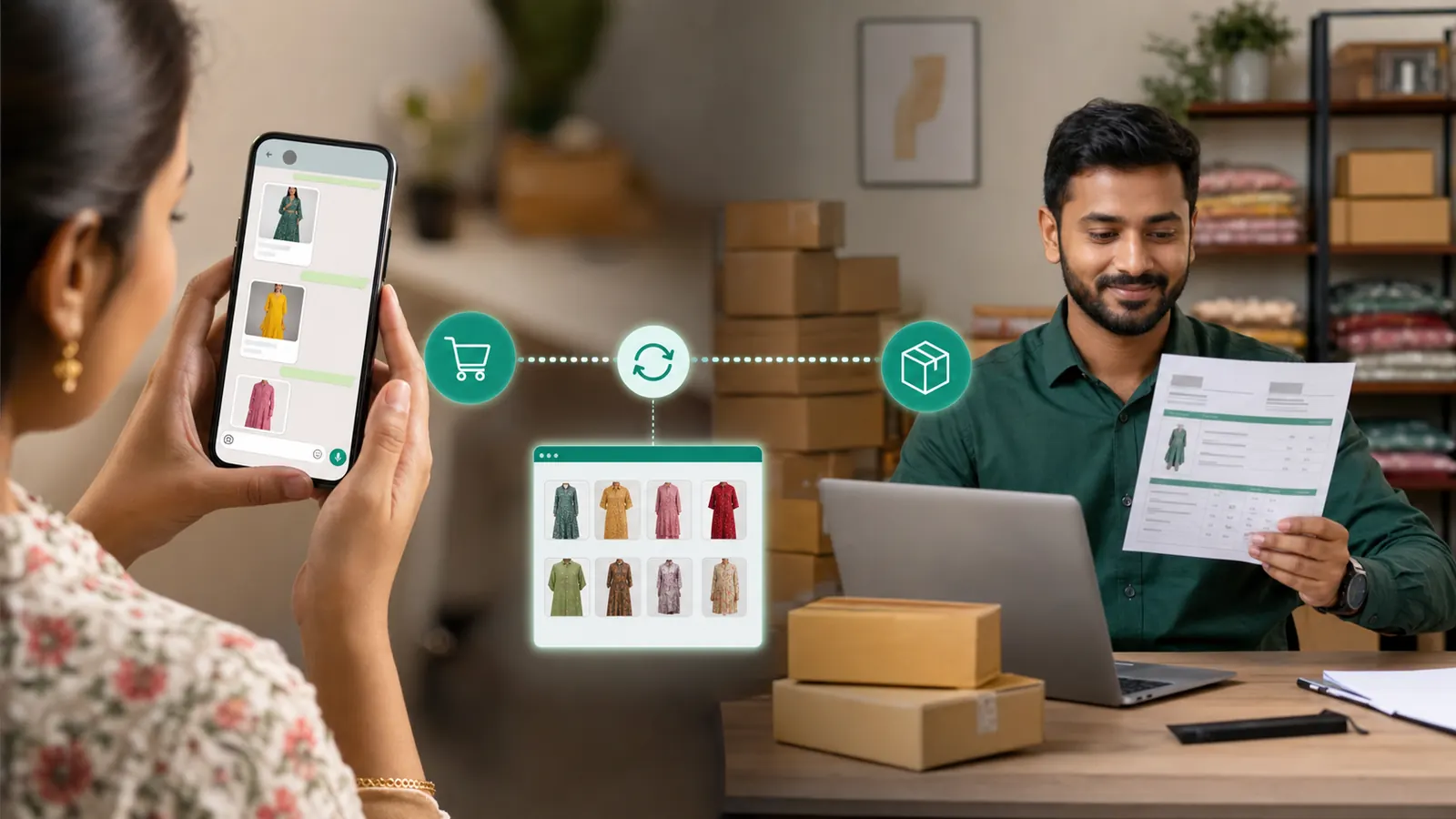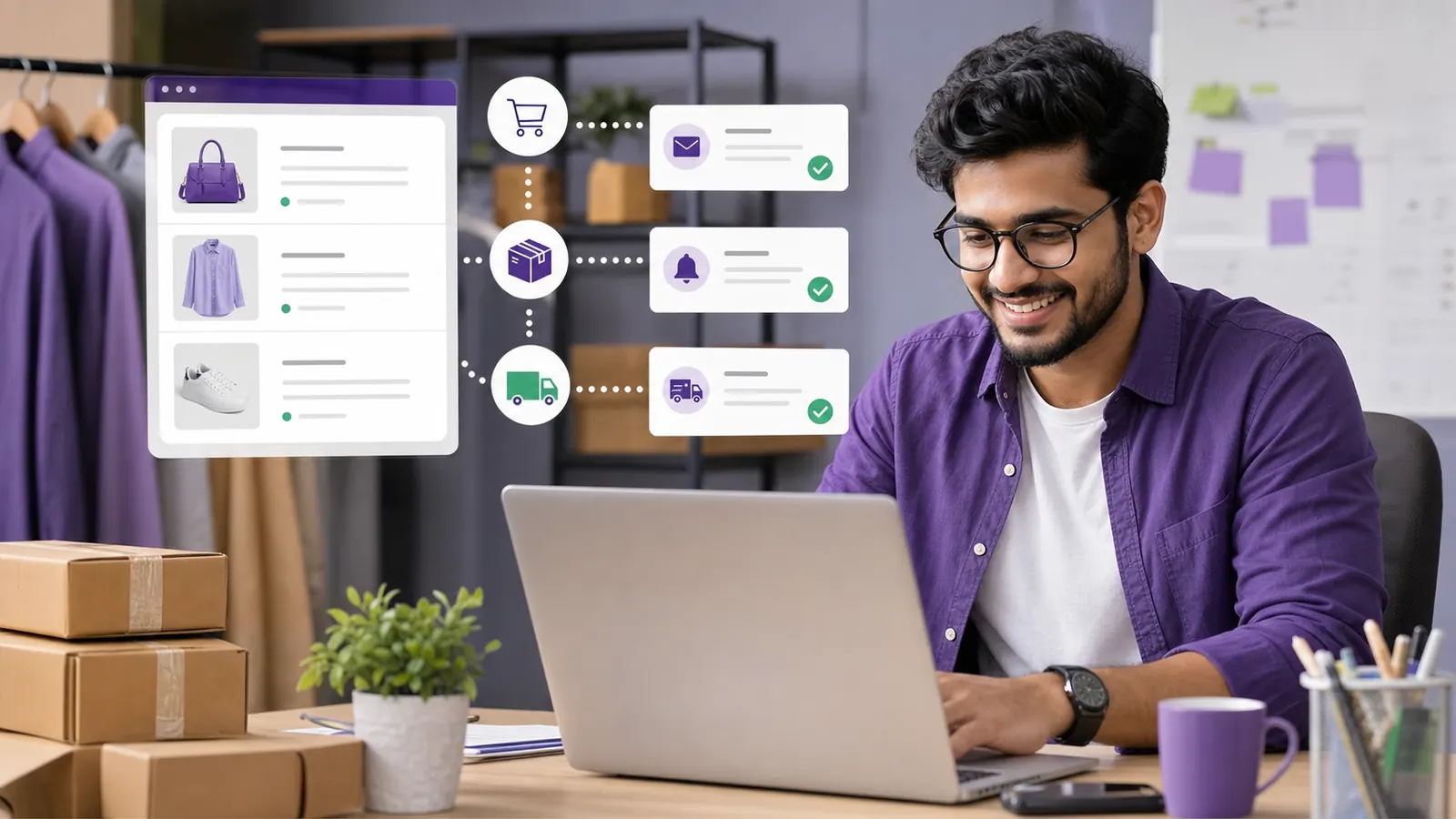
Shopify records several moments that matter to customers: checkout started, order created, fulfilment created, and order completed. Each moment needs a different communication decision. We will look at the customer experience first and then work backwards into the rules, ownership, and measurement needed to run it well. This article is written for Shopify merchants who want transactional updates and responsible recovery automation, so the advice stays close to day-to-day business work instead of abstract marketing theory.
1.Why Shopify WhatsApp automation deserves a proper process
WhatsApp is personal. A customer sees a business message beside conversations with family, colleagues, and friends, which raises the standard for relevance. Connected webhooks can keep buyers informed and recover genuine unfinished checkouts without turning every store event into another message. Good execution begins with permission, accurate contact data, an approved message format when required, and a clear reason for sending. The business should be able to explain the value of every message in one sentence. If it cannot, the message probably needs another edit. Technology should make the service feel more attentive, not more robotic, and every automated path should still provide a sensible route to a person.
2.Start with the customer outcome
Map each Shopify event to one customer purpose and make order creation stop any related cart-recovery sequence. Before configuring anything, write down the event that starts the workflow, the customer who should receive it, the outcome the message should create, and the person responsible when automation cannot finish the job. This prevents a sophisticated sequence from becoming an ownerless process. Use a small internal test list first. Check names, number formatting, variables, links, images, buttons, timing, and opt-out behaviour. Only then move to real customers who have agreed to receive the relevant communication.
3.Connect order creation
The order event should create a buyer confirmation, an owner alert, and a delivery record using the store's API key. Customers never see the setup behind the scenes; they only notice whether the message arrives at the right moment and helps them move forward. Test paid, COD, multi-item, discounted, and phone-missing orders. A phone-missing order is safely acknowledged and skipped instead of causing Shopify to retry for days. Keep the first version intentionally simple, watch what customers actually do, and improve the workflow from evidence rather than assumptions. Read the finished message on a phone before sending it widely. If the next action is not obvious in a few seconds, simplify the copy or the flow. Do not send abandoned-cart reminders before confirming the checkout remains open. Test the normal path as well as missing data, an incorrect phone number, a late reply, and a customer who wants to stop messages. Those edge cases are where a polished workflow proves its value.
4.Connect fulfilment updates
Shipping communication needs courier and tracking information from the fulfilment event rather than a manual status guess. Treat the workflow as an operating system rather than a one-time campaign trick, with a clear owner and a documented reason for every rule. Map fulfilment names back to the base order and validate tracking fields. Fulfilment #1001.1 correctly updates order #1001 and sends its tracking link. Keep the first version intentionally simple, watch what customers actually do, and improve the workflow from evidence rather than assumptions. Read the finished message on a phone before sending it widely. If the next action is not obvious in a few seconds, simplify the copy or the flow. Do not assume webhook events arrive exactly once or in a perfect sequence. Test the normal path as well as missing data, an incorrect phone number, a late reply, and a customer who wants to stop messages. Those edge cases are where a polished workflow proves its value.
5.Recover abandoned checkouts carefully
A checkout reminder is useful only when the customer supplied a reachable number, did not complete the order, and can resume the same cart. A dependable setup balances customer convenience with sensible controls, useful fallbacks, and an easy route to a human conversation. Set a sensible delay, include the resume link, and respect opt-out. An open checkout receives one reminder after an hour and is marked recovered when the order arrives. Keep the first version intentionally simple, watch what customers actually do, and improve the workflow from evidence rather than assumptions. Read the finished message on a phone before sending it widely. If the next action is not obvious in a few seconds, simplify the copy or the flow. Do not send abandoned-cart reminders before confirming the checkout remains open. Test the normal path as well as missing data, an incorrect phone number, a late reply, and a customer who wants to stop messages. Those edge cases are where a polished workflow proves its value.
6.Reconcile overlapping events
Order, fulfilment, and checkout webhooks may arrive late, repeat, or appear in an unexpected order. The useful question is not whether the feature sounds impressive. It is whether it removes a real delay, repeated task, or missed customer moment. Use stable identifiers and status checks before every message. A delayed checkout update cannot restart recovery after the matching order is already recorded. Keep the first version intentionally simple, watch what customers actually do, and improve the workflow from evidence rather than assumptions. Read the finished message on a phone before sending it widely. If the next action is not obvious in a few seconds, simplify the copy or the flow. Do not assume webhook events arrive exactly once or in a perfect sequence. Test the normal path as well as missing data, an incorrect phone number, a late reply, and a customer who wants to stop messages. Those edge cases are where a polished workflow proves its value.
7.A practical business example
A fashion store connects three Shopify webhook types. Customers receive one order confirmation, later receive real courier tracking, and unfinished carts get one relevant reminder that stops immediately after purchase. The example works because the customer receives information connected to something they actually did, the message contains enough context to be trusted, and the next step is obvious. There is no exaggerated language or long sales pitch. A short, specific message respects the reader's attention. The team also benefits because the conversation arrives with useful history attached, allowing an agent to take over without asking the customer to begin again.
8.How to measure whether it is working
Define success before launch. For this workflow, success means each Shopify event advances the customer journey once and no completed buyer continues receiving cart recovery. Do not judge the result by message volume alone. A high send count can hide poor delivery, irrelevant targeting, repeated questions, or customers opting out. Review the numbers beside a sample of real conversations. Quantitative data shows where a problem exists; the conversation usually explains why. Change one meaningful element at a time, then allow enough traffic to learn whether the change helped.
- Confirmed orders, fulfilment update success, recovered carts, duplicate events, and recovery opt-outs.
- Delivery and failure rates, reviewed separately instead of being hidden inside a total send count.
- The number of customers who complete the intended next step after reading the message.
- Questions, complaints, handovers, and opt-outs found in a weekly sample of real conversations.
- Time saved for the team compared with the previous manual process.
9.Common mistakes to avoid
The mistakes below look small during setup, but each one can create avoidable customer frustration. Ask someone who did not build the workflow to test it from a customer's phone. Fresh eyes catch unclear wording, broken assumptions, and missing fallback paths faster than the person who has been staring at the configuration all week.
- Do not send abandoned-cart reminders before confirming the checkout remains open.
- Do not assume webhook events arrive exactly once or in a perfect sequence.
- Sending to people who did not agree to receive this type of communication.
- Launching to the full audience before testing variables, links, buttons, media, and fallback behaviour.
- Using vague copy that makes the customer guess what happened or what to do next.
10.Launch checklist
Use this checklist as the final review for Shopify WhatsApp automation. A workflow is ready when the data is correct, the message genuinely helps the reader, the next action works on a real phone, and the team knows what happens when the normal path fails. Keep a dated copy with the campaign or automation notes so later changes can be reviewed against the same standard.
- Confirm the WhatsApp Business number, account access, and webhook connection are healthy.
- Use accurate, permission-based contacts and remove anyone who opted out.
- Test paid, COD, multi-item, discounted, and phone-missing orders.
- Map fulfilment names back to the base order and validate tracking fields.
- Set a sensible delay, include the resume link, and respect opt-out.
- Use stable identifiers and status checks before every message.
- Test the complete journey on both Android and iPhone before the public release.
- Assign an owner for failed messages and conversations that need a human response.
- Record the launch date, audience, template version, and baseline metrics for later comparison.
Pro tip
Shopify automation should follow the customer's real order state, not merely the order in which webhooks happen to arrive.
11.The sensible next step
Launch transactional order and fulfilment messages first, then enable cart recovery only after identity matching and stop rules are proven. ScheduleKaro brings official WhatsApp Business communication, campaigns, a shared inbox, automation, and commerce workflows into one dashboard. Begin with one use case customers already ask for, run a controlled test, and improve it from real conversations. That approach creates a service people trust and a system the team can operate long after the first launch.
Frequently asked questions
What is Shopify WhatsApp automation?
Connect Shopify order, fulfilment, and checkout events to WhatsApp confirmations, tracking updates, and permission-aware cart recovery.
Who should use Shopify WhatsApp automation?
It is most useful for Shopify merchants who want transactional updates and responsible recovery automation. Start with one clear customer journey and expand only after the first workflow is reliable.
What should a business do before launching?
Map each Shopify event to one customer purpose and make order creation stop any related cart-recovery sequence. Test with a small internal audience, confirm customer permission, and make sure a team member owns exceptions.
Put this guide to work in ScheduleKaro
Schedule posts, run WhatsApp campaigns, generate AI captions and track performance — all in one place.
✓ No credit card required ✓ Free plan available
ScheduleKaro Team
We're a team of marketers and product builders helping businesses and creators grow faster with social media, WhatsApp, and AI.