An image can make a WhatsApp campaign instantly understandable, but it can also become a tiny unreadable poster filled with prices, badges, and decorative text. The goal is not to add another shiny tool, but to build a routine that saves time and gives customers a clearer response. This article is written for retailers, service businesses, event teams, and marketers promoting visual products or offers, so the advice stays close to day-to-day business work instead of abstract marketing theory.
1.Why WhatsApp image campaigns deserves a proper process
WhatsApp is personal. A customer sees a business message beside conversations with family, colleagues, and friends, which raises the standard for relevance. The right image earns attention and gives the message context, while the written template still carries the details and action customers need. Good execution begins with permission, accurate contact data, an approved message format when required, and a clear reason for sending. The business should be able to explain the value of every message in one sentence. If it cannot, the message probably needs another edit. Technology should make the service feel more attentive, not more robotic, and every automated path should still provide a sensible route to a person.
2.Start with the customer outcome
Let the image communicate one idea and let the message body explain the decision. Before configuring anything, write down the event that starts the workflow, the customer who should receive it, the outcome the message should create, and the person responsible when automation cannot finish the job. This prevents a sophisticated sequence from becoming an ownerless process. Use a small internal test list first. Check names, number formatting, variables, links, images, buttons, timing, and opt-out behaviour. Only then move to real customers who have agreed to receive the relevant communication.
3.Choose one visual promise
A campaign image works best when the customer understands the product, event, or offer before reading fine details. A process that depends on someone remembering every small step will eventually break, especially when message volume grows. Select one hero product, service result, or event moment instead of building a dense collage. A bakery shows one festive gift box rather than twelve products squeezed into equal tiles. Keep the first version intentionally simple, watch what customers actually do, and improve the workflow from evidence rather than assumptions. Read the finished message on a phone before sending it widely. If the next action is not obvious in a few seconds, simplify the copy or the flow. Do not place essential terms only inside the image where accessibility and small screens become a problem. Test the normal path as well as missing data, an incorrect phone number, a late reply, and a customer who wants to stop messages. Those edge cases are where a polished workflow proves its value.
4.Design for a phone screen
Most recipients see the creative inside a chat preview, where small text and thin details disappear quickly. Customers never see the setup behind the scenes; they only notice whether the message arrives at the right moment and helps them move forward. Use a strong subject, simple background, clear contrast, and minimal or no embedded text. The offer name remains readable at thumbnail size while dates and conditions stay in the message body. Keep the first version intentionally simple, watch what customers actually do, and improve the workflow from evidence rather than assumptions. Read the finished message on a phone before sending it widely. If the next action is not obvious in a few seconds, simplify the copy or the flow. Do not use generic stock imagery that misrepresents the actual product or service. Test the normal path as well as missing data, an incorrect phone number, a late reply, and a customer who wants to stop messages. Those edge cases are where a polished workflow proves its value.
5.Match image and template
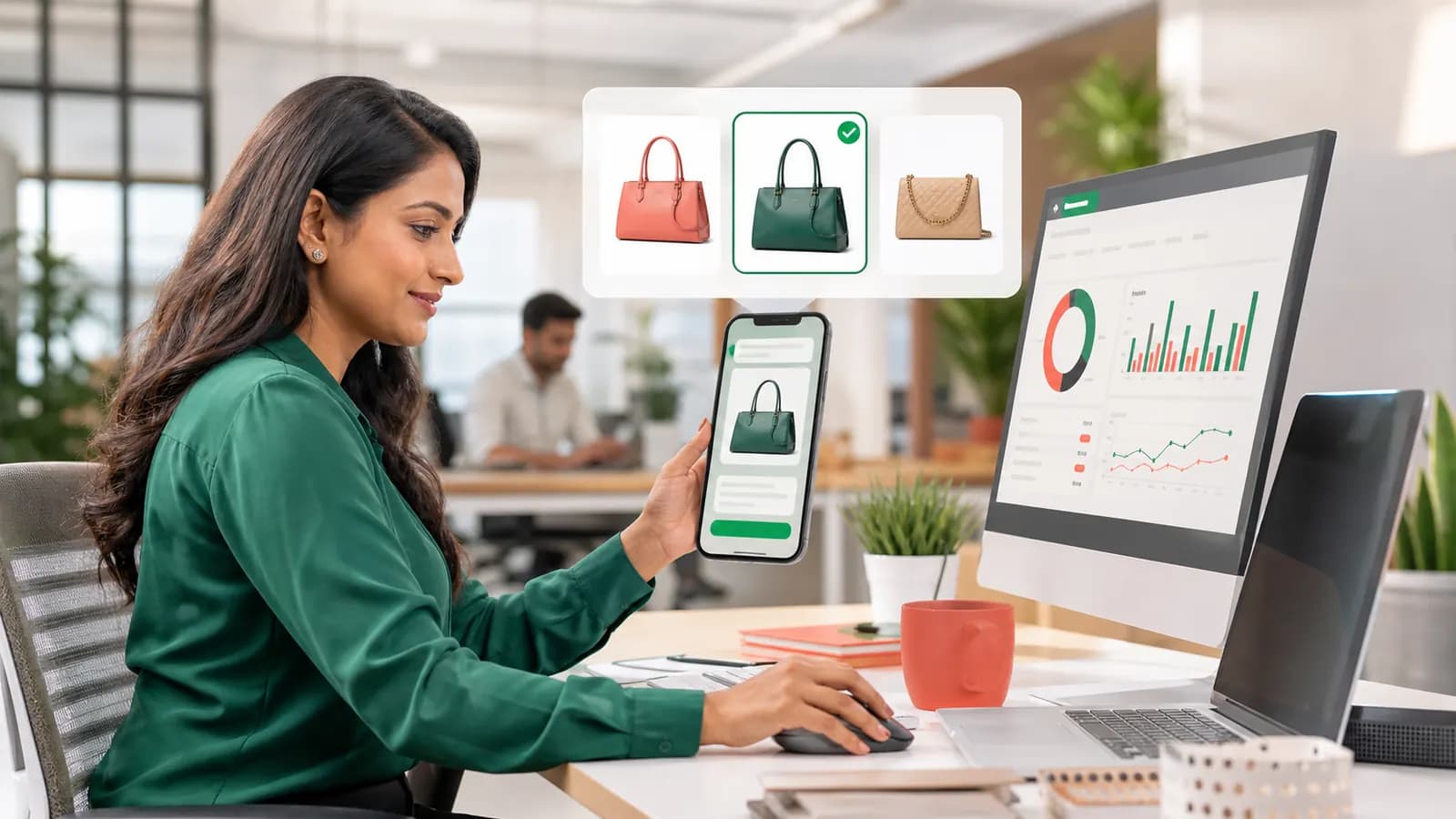
A beautiful image creates distrust when the message describes another product, price, or deadline. Treat the workflow as an operating system rather than a one-time campaign trick, with a clear owner and a documented reason for every rule. Store campaign images with descriptive names and verify the selected template before scheduling. The summer-course banner is paired with the summer-course message, not an older admissions template. Keep the first version intentionally simple, watch what customers actually do, and improve the workflow from evidence rather than assumptions. Read the finished message on a phone before sending it widely. If the next action is not obvious in a few seconds, simplify the copy or the flow. Do not place essential terms only inside the image where accessibility and small screens become a problem. Test the normal path as well as missing data, an incorrect phone number, a late reply, and a customer who wants to stop messages. Those edge cases are where a polished workflow proves its value.
6.Measure the action, not decoration
Image quality matters only when it helps the right customer understand and act on the message. A dependable setup balances customer convenience with sensible controls, useful fallbacks, and an easy route to a human conversation. Compare replies, link actions, purchases, and opt-outs across creative approaches. Two image variants can be tested while the audience, timing, and offer remain consistent. Keep the first version intentionally simple, watch what customers actually do, and improve the workflow from evidence rather than assumptions. Read the finished message on a phone before sending it widely. If the next action is not obvious in a few seconds, simplify the copy or the flow. Do not use generic stock imagery that misrepresents the actual product or service. Test the normal path as well as missing data, an incorrect phone number, a late reply, and a customer who wants to stop messages. Those edge cases are where a polished workflow proves its value.
7.A practical business example
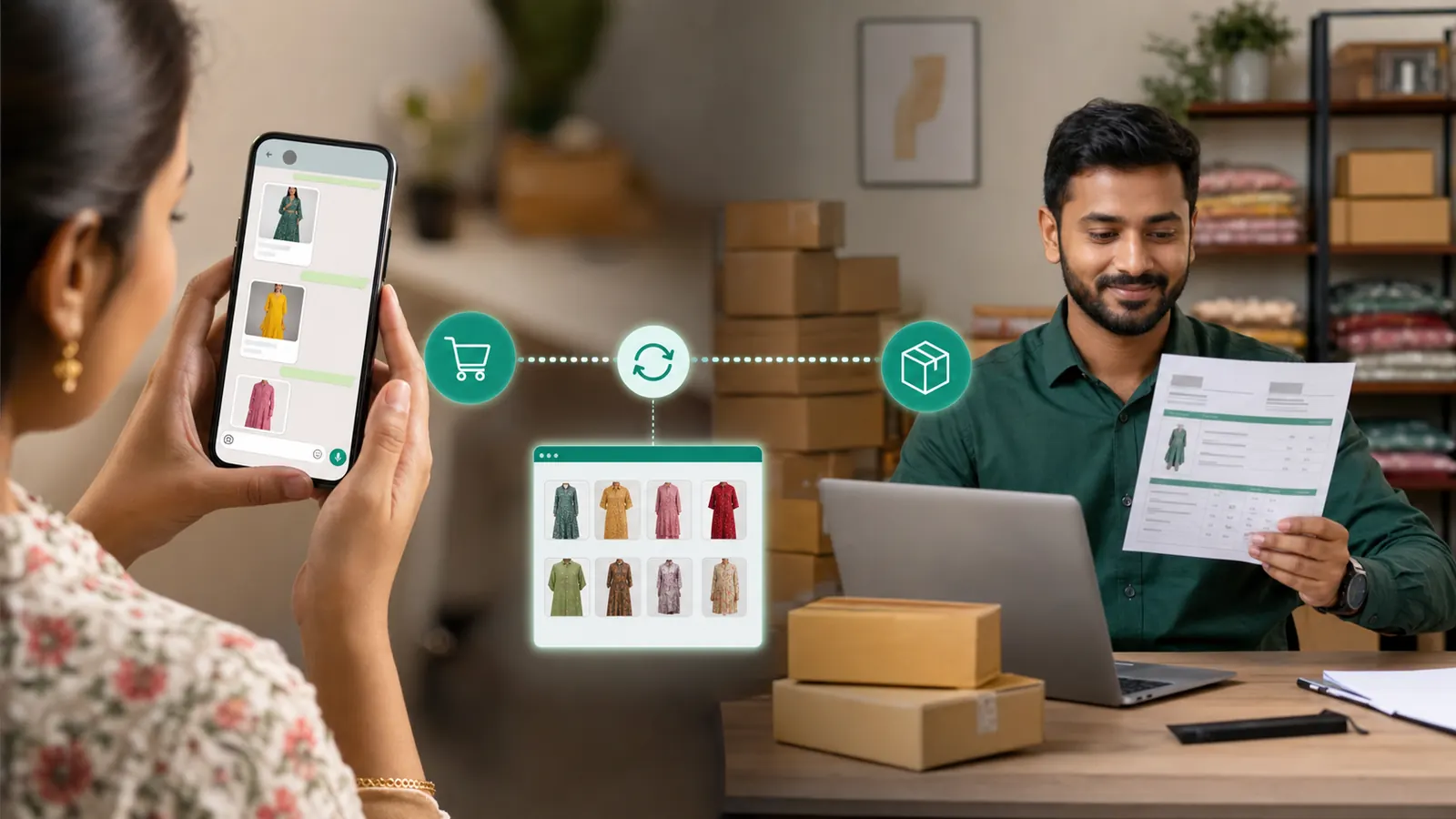
A clothing store launches a limited collection. It uses a clean photograph of one complete look, a short approved message, and a clear catalogue link. Customers can recognise the style immediately and browse without decoding a crowded sale poster. The example works because the customer receives information connected to something they actually did, the message contains enough context to be trusted, and the next step is obvious. There is no exaggerated language or long sales pitch. A short, specific message respects the reader's attention. The team also benefits because the conversation arrives with useful history attached, allowing an agent to take over without asking the customer to begin again.
8.How to measure whether it is working
Define success before launch. For this workflow, success means the image loads reliably, remains clear on a small screen, matches the message, and improves the intended customer action without increasing complaints. Do not judge the result by message volume alone. A high send count can hide poor delivery, irrelevant targeting, repeated questions, or customers opting out. Review the numbers beside a sample of real conversations. Quantitative data shows where a problem exists; the conversation usually explains why. Change one meaningful element at a time, then allow enough traffic to learn whether the change helped.
- Action rate for messages with each image creative, measured against the same offer and audience.
- Delivery and failure rates, reviewed separately instead of being hidden inside a total send count.
- The number of customers who complete the intended next step after reading the message.
- Questions, complaints, handovers, and opt-outs found in a weekly sample of real conversations.
- Time saved for the team compared with the previous manual process.
9.Common mistakes to avoid
The mistakes below look small during setup, but each one can create avoidable customer frustration. Ask someone who did not build the workflow to test it from a customer's phone. Fresh eyes catch unclear wording, broken assumptions, and missing fallback paths faster than the person who has been staring at the configuration all week.
- Do not place essential terms only inside the image where accessibility and small screens become a problem.
- Do not use generic stock imagery that misrepresents the actual product or service.
- Sending to people who did not agree to receive this type of communication.
- Launching to the full audience before testing variables, links, buttons, media, and fallback behaviour.
- Using vague copy that makes the customer guess what happened or what to do next.
10.Launch checklist
Use this checklist as the final review for WhatsApp image campaigns. A workflow is ready when the data is correct, the message genuinely helps the reader, the next action works on a real phone, and the team knows what happens when the normal path fails. Keep a dated copy with the campaign or automation notes so later changes can be reviewed against the same standard.
- Confirm the WhatsApp Business number, account access, and webhook connection are healthy.
- Use accurate, permission-based contacts and remove anyone who opted out.
- Select one hero product, service result, or event moment instead of building a dense collage.
- Use a strong subject, simple background, clear contrast, and minimal or no embedded text.
- Store campaign images with descriptive names and verify the selected template before scheduling.
- Compare replies, link actions, purchases, and opt-outs across creative approaches.
- Test the complete journey on both Android and iPhone before the public release.
- Assign an owner for failed messages and conversations that need a human response.
- Record the launch date, audience, template version, and baseline metrics for later comparison.
Pro tip
The image should make the message easier to understand, not give the customer more work.
11.The sensible next step
Create image campaigns as a coordinated pair: a visual that earns attention and concise copy that earns the next step. ScheduleKaro brings official WhatsApp Business communication, campaigns, a shared inbox, automation, and commerce workflows into one dashboard. Begin with one use case customers already ask for, run a controlled test, and improve it from real conversations. That approach creates a service people trust and a system the team can operate long after the first launch.
Frequently asked questions
What is WhatsApp image campaigns?
Plan WhatsApp image campaigns with relevant creative, concise copy, approved templates, strong mobile previews, and meaningful measurement.
Who should use WhatsApp image campaigns?
It is most useful for retailers, service businesses, event teams, and marketers promoting visual products or offers. Start with one clear customer journey and expand only after the first workflow is reliable.
What should a business do before launching?
Let the image communicate one idea and let the message body explain the decision. Test with a small internal audience, confirm customer permission, and make sure a team member owns exceptions.
Put this guide to work in ScheduleKaro
Schedule posts, run WhatsApp campaigns, generate AI captions and track performance — all in one place.
✓ No credit card required ✓ Free plan available
ScheduleKaro Team
We're a team of marketers and product builders helping businesses and creators grow faster with social media, WhatsApp, and AI.